Swap native Bitcoin for tokens
There are two ways to do this, and the right one depends on where your Bitcoin is.
| Where your BTC is | What you connect | |
|---|---|---|
| With a Bitcoin wallet connection | A self-custody wallet | Bitcoin wallet + EVM wallet |
| Without one (QR Swaps) | An exchange, a hardware wallet, or a wallet you'd rather not connect | EVM wallet only |
If your BTC sits in a self-custody wallet, connecting it is the smoother path. If your BTC is on an exchange, use QR Swaps.
With a Bitcoin wallet connected
-
Connect your wallets
Connect your EVM and Bitcoin wallets and you're ready to go.
The EVM wallet is where your tokens are delivered. It's also the address Gateway uses to look your order up.
-
Set up the swap
Pick the asset and chain you want, then enter the amount of BTC you're spending. Gateway quotes what you'll receive.
Review the details — output amount, fees, estimated time, and the recipient address filled in from your connected EVM wallet. If it looks right, click Swap.
Your Bitcoin wallet then opens with the payment ready to approve.
-
Track your order
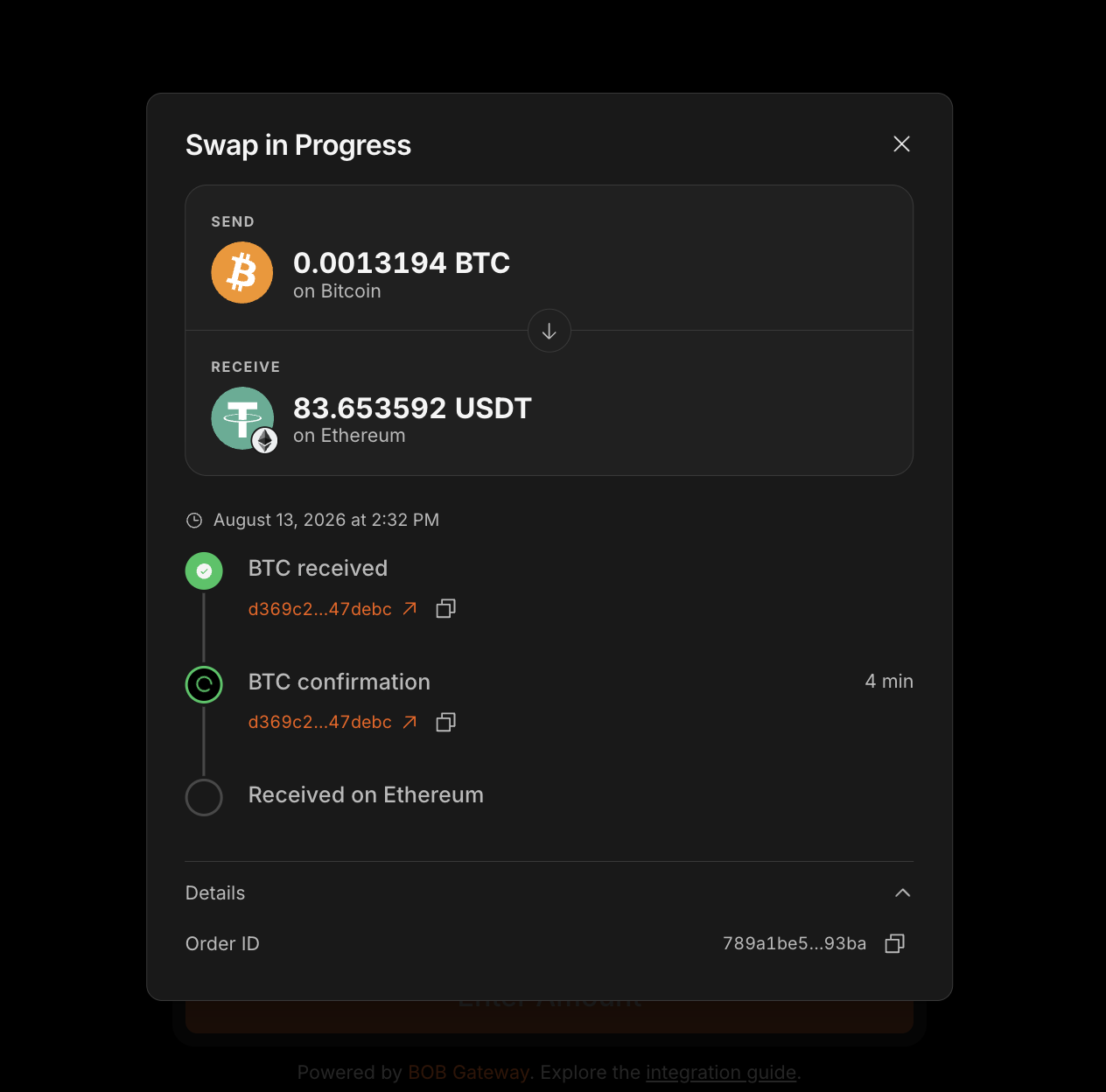
Once your transaction is signed and the BTC is sent, the status moves to BTC received, then BTC confirmation while Bitcoin blocks confirm.
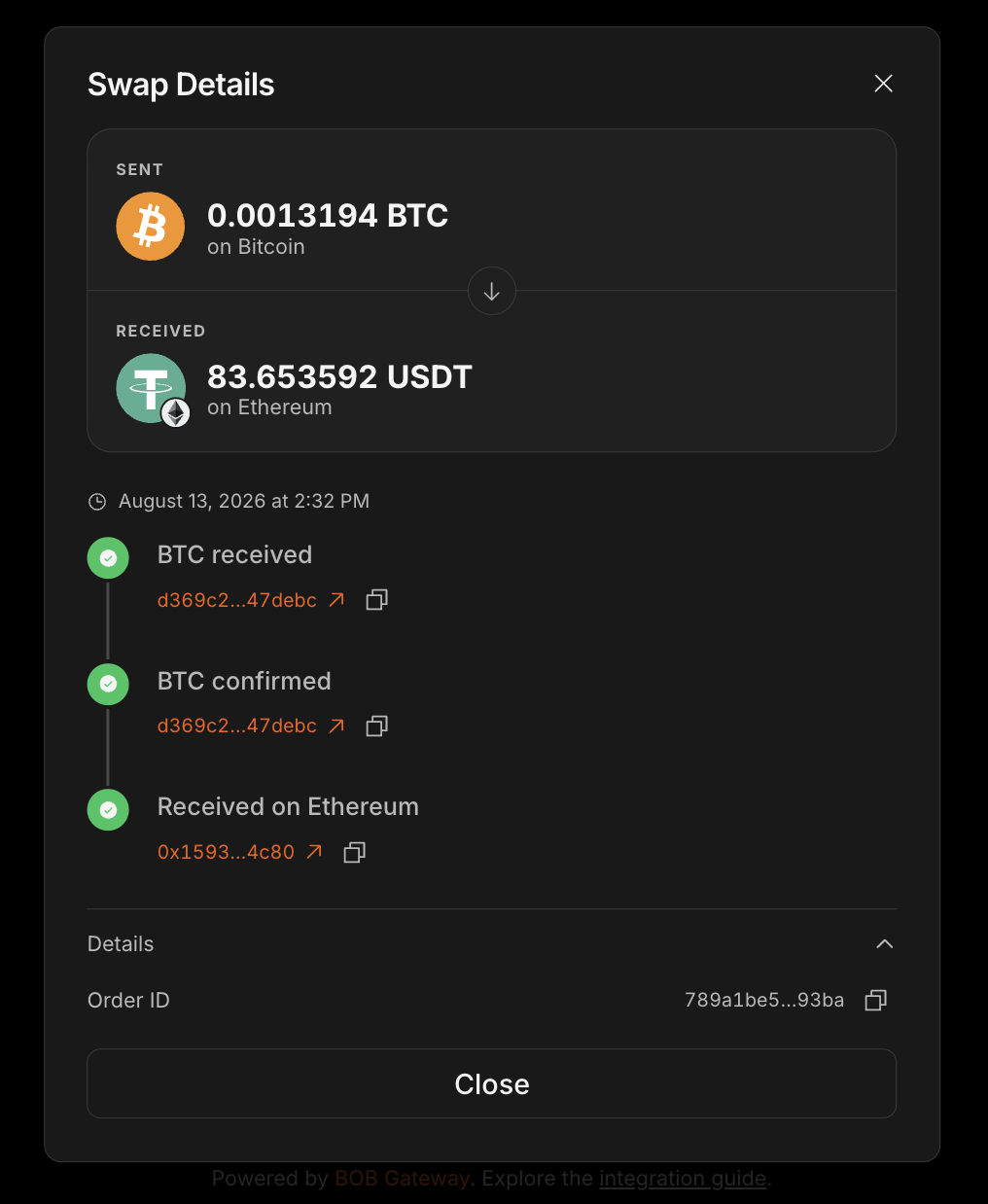
Follow along in the wallet modal at the top right, which shows progress and your Order ID. For a more detailed view, look the Order ID up in the Gateway Explorer.
-
Receive your tokens
Your tokens arrive at your EVM address. Most orders complete in around 10 minutes, though this varies with Bitcoin block times.
Without a Bitcoin wallet connection — QR Swaps
If your BTC is on an exchange, or you'd rather not connect a Bitcoin wallet to a third-party app, you can pay by sending Bitcoin to an address Gateway gives you. Only your EVM wallet needs connecting.
-
Connect your EVM wallet
Connect the EVM wallet where you want to receive your tokens. It's the delivery address, and the address Gateway uses to look your order up.
-
Set up the swap
Choose the asset and chain you want to receive, enter your amount and review the quote. Read the deposit instructions carefully and tick the box.
Click Swap to see a Bitcoin deposit address. You can send to it from any Bitcoin wallet — a browser wallet, a hardware wallet, or an exchange account.
Send the exact quoted amount before the timer runs outA 10-minute timer starts as soon as the address appears. Copy the address straight into your wallet or exchange and initiate the withdrawal — the QR code will populate the destination address if your app supports scanning.
Exchanges deduct their withdrawal fee from what you send, so the amount that arrives is what counts. Set your withdrawal so the quoted amount lands, not the amount you type.
-
Send the deposit and track your order
Once your payment is sent, the status moves to BTC received, then BTC confirmation while Bitcoin blocks confirm.
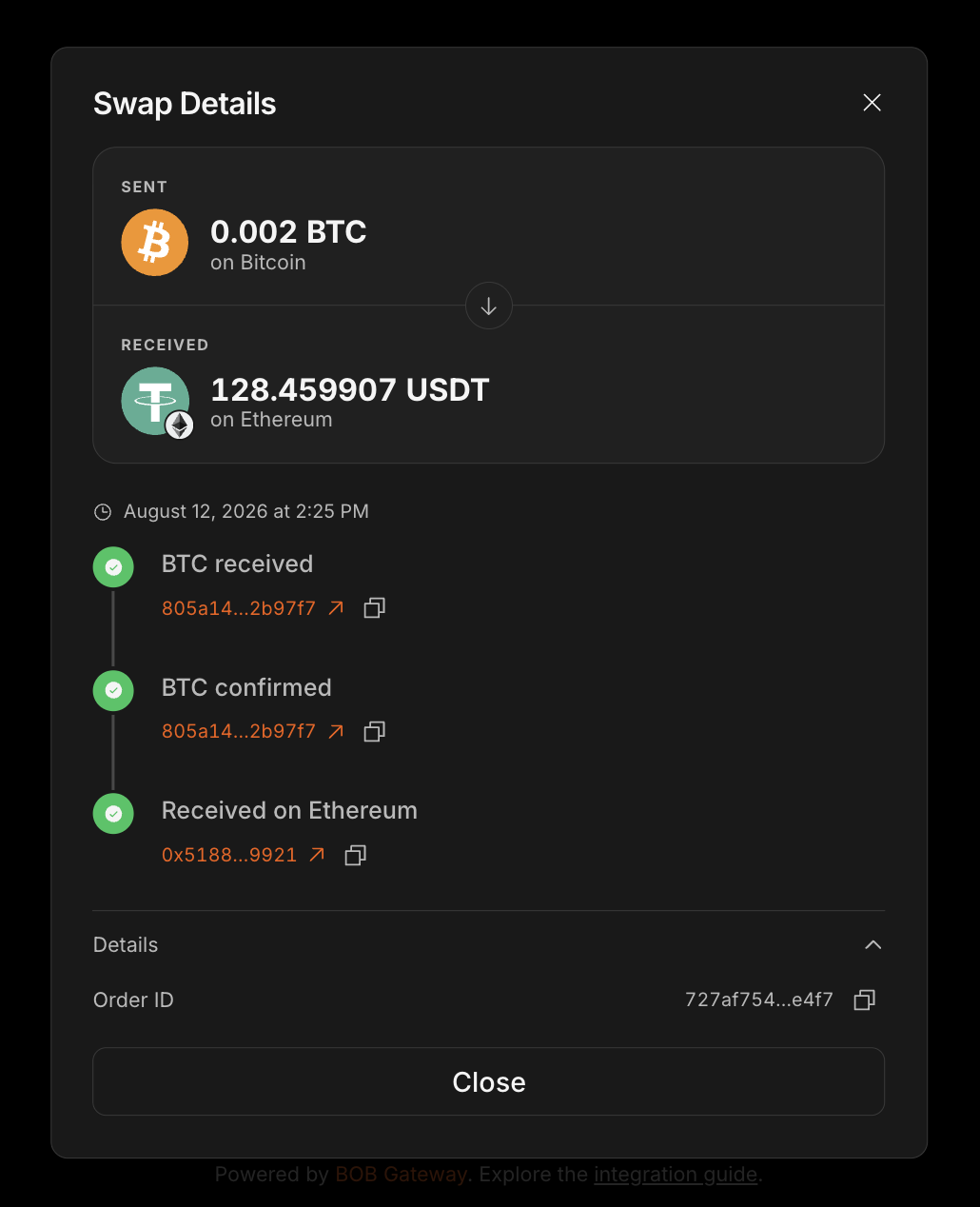
Follow along in the wallet modal at the top right, which shows progress and your Order ID. For a more detailed view, look the Order ID up in the Gateway Explorer.
-
Receive your tokens
Your tokens arrive at your EVM address. Most orders complete in around 10 minutes, though this varies with Bitcoin block times.
Next steps
- Swap tokens for native Bitcoin — the reverse direction.
- Refunds — how Gateway handles swaps that don't complete.