Swap tokens for native Bitcoin
You hold a token on an EVM chain and want native Bitcoin. Gateway swaps it and sends BTC to any Bitcoin address you nominate.
-
Connect your wallet
Connect any of the 500+ supported EVM wallets.
A Bitcoin wallet connection is optional here. Connect one and Gateway fills in your receiving address automatically. If you'd rather not, paste the Bitcoin address you want the BTC sent to — every standard address type is accepted (Legacy, SegWit, Native SegWit and Taproot).
It doesn't have to be a browser wallet. A hardware wallet address works just as well, as does a centralised exchange deposit address.
-
Set up the swap
Pick the token you want to swap and the chain it's on. The token picker shows exactly what's live on the route you've selected.
-
Review and swap
Enter the amount and confirm the recipient Bitcoin address. Check the quote — output amount, fees and estimated time are all shown before you commit.
Then sign in your wallet. This takes two separate signatures: one to approve the token, one for the swap itself.
-
Track your order
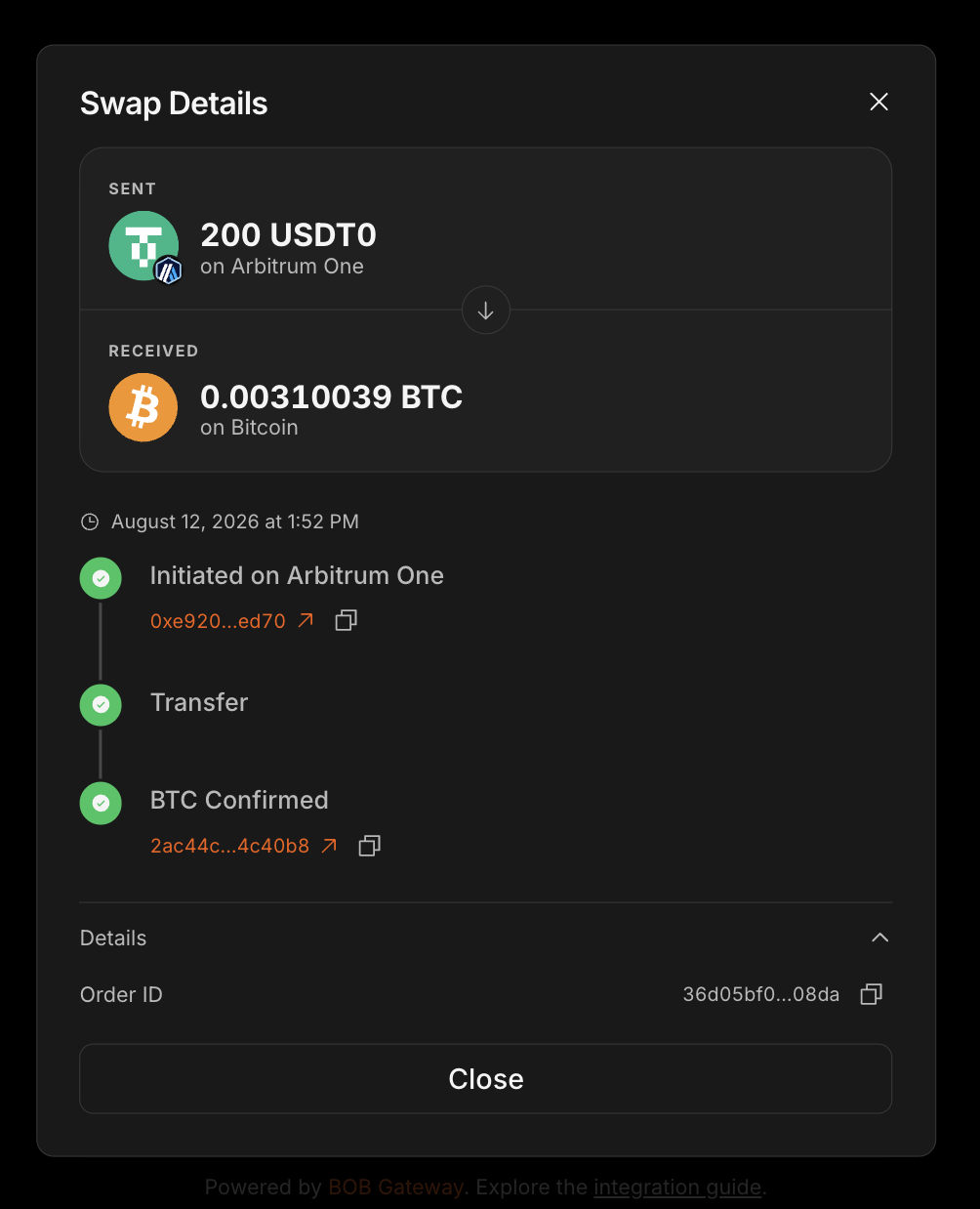
Open the wallet modal at the top right to follow progress and find your Order ID.
For a detailed view, look the Order ID up in the Gateway Explorer — it shows live status, amounts and transaction hashes on both sides, and the link is shareable.
-
Receive your BTC
Once the swap settles, the BTC lands at your address. Most orders complete in around 10 minutes, though this varies with Bitcoin block times.
Next steps
- Swap native Bitcoin for tokens — the reverse direction, with or without a Bitcoin wallet.
- Refunds — how Gateway handles swaps that don't complete.